BRAIN · Knowledge and AI agents for your capabilities

Your company’s knowledge, for people and AI.

Every capability needs knowledge. BRAIN captures it from documents, systems and daily work, checks it against reliable sources and makes it available to your employees and to the AI agents that take on tasks. BRAIN runs in your tenant, and every answer shows its source.

Book a demo See the agents
Most companies do not lack information. What they lack is the context to use it. And many of the people who know this context will retire in the next few years.

What BRAIN is

An AI layer that knows your company.

A general-purpose language model stays generic, even when it can access company data. It just has more text to work with. BRAIN connects your company’s knowledge, context and rules, and agents use them to do work that fits your company.

Knowledge

BRAIN captures knowledge, verifies it
and makes it available.

Knowledge bases usually fail because nobody maintains them. So BRAIN starts where knowledge is created anyway and gives every person something back right away.

  • Capture

    BRAIN picks up knowledge where it is created: in documents, tickets, meetings and solved cases. Nobody has to write anything down just for this. Check status: capture from meetings and chats

  • Verify

    BRAIN checks new knowledge against reliable references such as data sheets, technical standards and process standards. That way, an error doesn’t spread just because it gets repeated often.

  • Deliver

    BRAIN answers in everyday language and always names its sources. Everyone sees only what they are allowed to see. Personal knowledge stays personal until someone shares it.

  • Answers with sources

    Every answer can be checked.

    For every answer, BRAIN names the documents and cases it is based on. If you want to check, the source is one click away. If BRAIN finds no reliable source, it says so.

    BRAIN · Service

    Line 3 reports error E-217 after the tool change. What should we do?

    After a tool change, E-217 usually occurs when the position sensor has not been re-referenced.
    1. Start a reference run on the tool changer.
    2. Check sensor S4 for contamination.
    3. If the error persists, send a ticket to maintenance with the error log.
    Maintenance manual WZ-400, p. 42Fault ticket 2025-118Lessons learned, maintenance

    Illustration, no customer data.

    The agents

    Four kinds of agents
    for four kinds of work.

    Operational agents work alongside your people in core capabilities such as service or assembly. Others take work off your hands in enabling capabilities such as compliance, meetings or IT operations. All of them run on the same sovereign foundation and draw on the same knowledge.

  • Technical

    Agents that run systems.

    These agents automate infrastructure, monitor systems and handle deployments and incidents. They work alongside your IT team, with tiered permissions, preview and rollback. For your IT environment, that is what BRIDGE OPS does.

  • Knowledge

    Agents in the know.

    These agents search documents and systems and analyze what they find. That way, you have the knowledge you need at every step of your work.

  • Process

    Agents that carry out processes.

    These agents automate workflows, manage approvals and connect systems. They follow your processes as they actually run in your company.

  • Custom

    Agents for your task.

    For tasks that none of the three kinds covers, we work with you to define custom agents. We build and operate them and keep developing them.

  • Here’s what that looks like: you give a research agent a task in the chat, and it saves each result as a new wiki page.
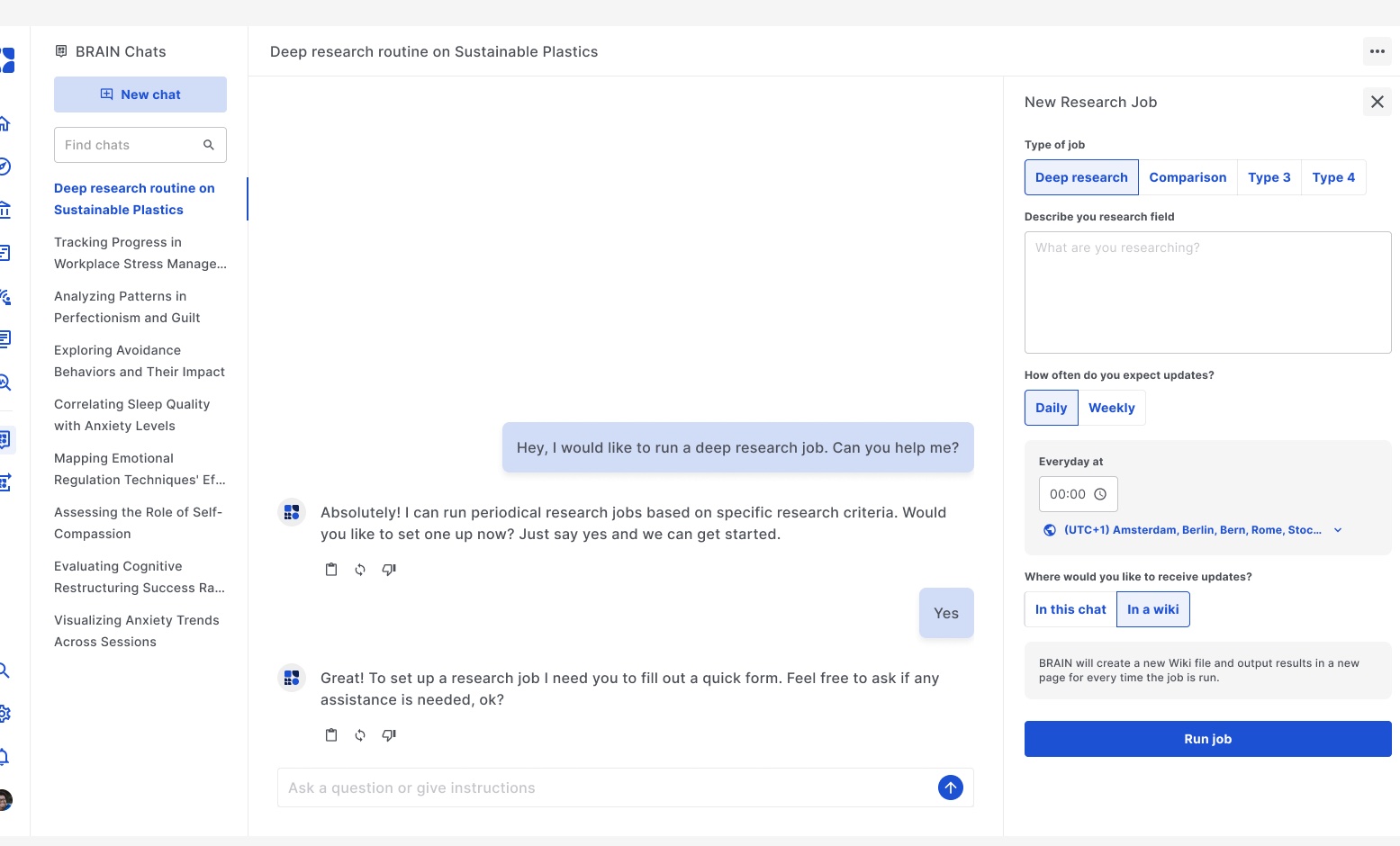
    BRAIN chat: a recurring research task is set up

    The task in the BRAIN chat, with schedule and filing location.
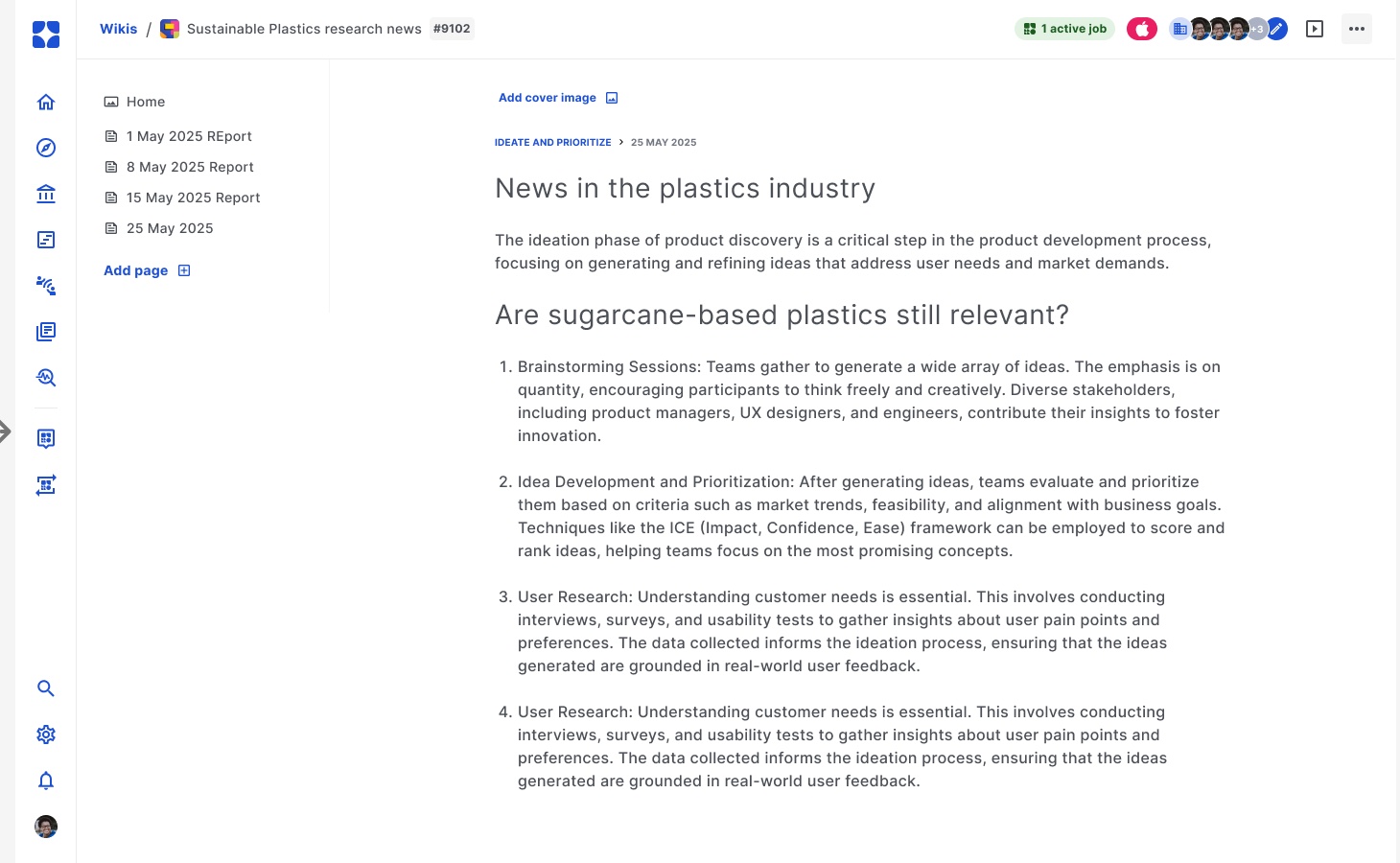
    Wiki page created by the agent

    In the wiki, the agent creates a new page with each run.

    Figma board “Agents-POC” (prototype, Nov 2025). The chat list and page text are placeholders; replace them with an example from industry before publishing.

    Where BRAIN works

    One knowledge layer
    for many applications.

    The foundation stays the same, and the task changes depending on where it is used. All applications draw on the same verified knowledge.

    Confirm the status of each application: SPARKY (pilot TM AG), service agent (live, SHW), Corporate LLM (live). Since 21 Oct, BRIDGE OPS has been listed under Operate (infrastructure.html#bridge-ops): it is a separate instance per customer and runs the environment that BRAIN runs on. The Advisor App from Lucas’ version belongs on the healthcare page.

    BRAIN does the work. Your team makes the decisions. The agents research, connect information and carry out tasks. The people in charge decide. Every action is logged, so you can trace it.

    Industry templates

    Built-in knowledge of your industry.

    Industry templates come with the terms, relationships and rules of your industry, for example materials and standards for engineering plastics, or machines and fault patterns for mechanical engineering. That way, BRAIN knows its way around your field from day one. Status: template for engineering plastics in progress (Positioning Brief, Feddersen)

    Industrial plant with a motor and piping

    Open

    BRAIN makes your existing AI more useful.

    BRAIN connects to the systems and AI tools you already use. Through open interfaces, Copilot, ChatGPT or Claude get the context they are missing. You can introduce this step by step, without changing everything at once. Check status: connection via MCP/API (Huddle 5 Jun)

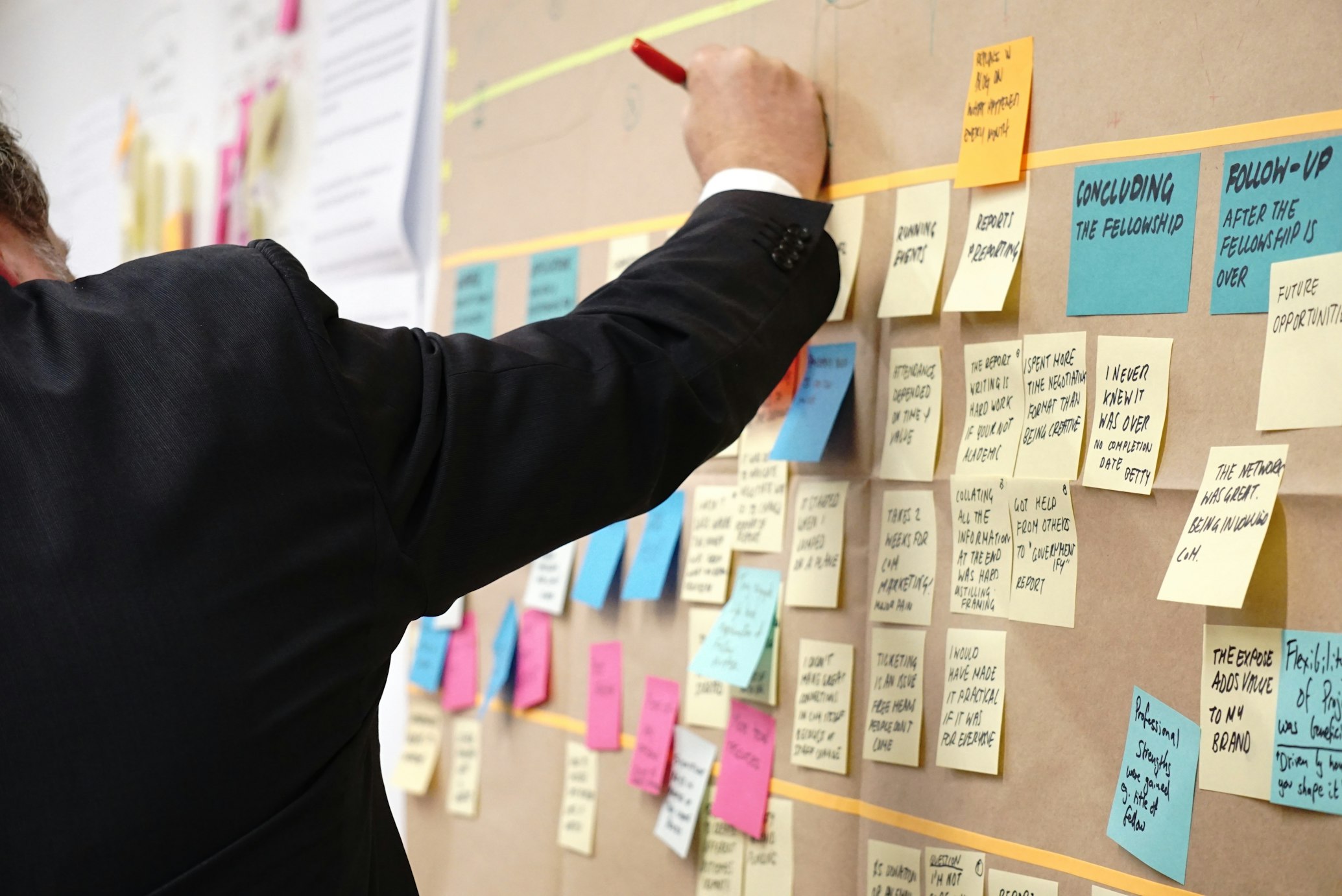
    Planning wall with notes Talk about your systems

    Trust

    Sovereign and traceable.

    Every agent works within your security boundaries, on infrastructure you control. You can switch models, including to locally run ones. Every answer and every action is logged. Name models and providers? (Azure AI Foundry, AWS Bedrock Frankfurt, Mistral, local models)

    Person in front of a data wall Sovereign infrastructure

    See BRAIN with your own knowledge.

    In a demo, we show you BRAIN with a selection of your documents, in your environment or in ours.

    Book a demo Where to start